
Meta Muse Image shows why public Instagram posts now need privacy settings
Meta's Muse Image rollout turned public Instagram content into AI prompt material by default. Here is what users, creators and brands should know before leaving settings untouched.
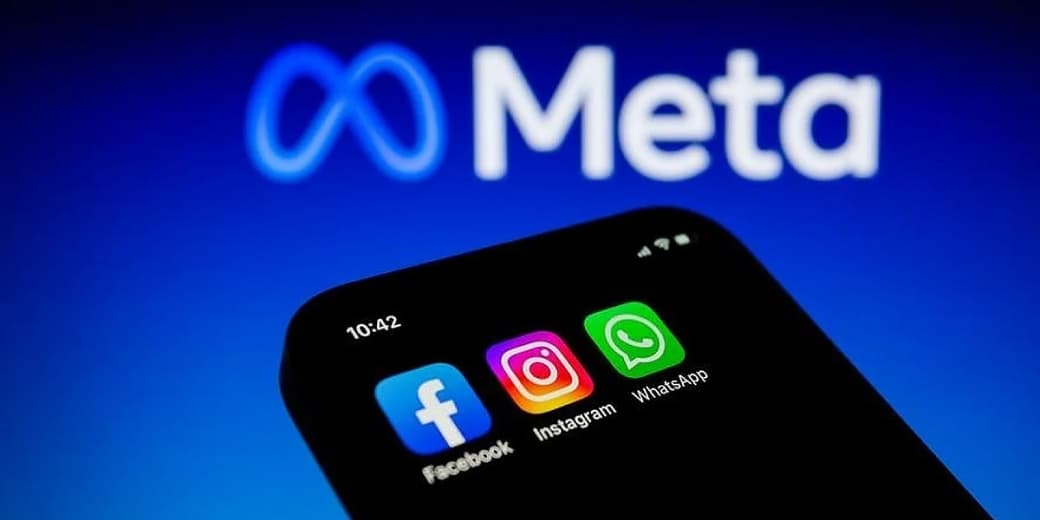
Meta's Muse Image rollout has made one thing painfully clear: posting publicly on Instagram no longer only means other people can view your content. It may also mean they can use your content inside AI image prompts unless you change the settings.
The feature lets users generate AI images that can reference public Instagram posts, Reels and profile material. Reports from Wired, The Verge and Business Insider describe an opt-out system for public accounts, which is exactly the kind of product decision that makes privacy advocates reach for strong tea and legal stationery.
Meta reportedly pulled the tool after backlash, but the lesson remains. Public social media is becoming raw material for generative interfaces.
What you need to know
- Muse Image is Meta's in-house generative image model powering new AI image tools.
- Reports say public Instagram accounts were opted into reuse controls unless users changed settings.
- Users could tag public accounts in prompts to generate AI images using their content.
- Private accounts and public accounts are not the same risk category.
- Creators, journalists, minors, activists and brands should review settings carefully.
- Opting out may limit future use, but it may not erase content already used in generated images.
What changed with Muse Image?
Meta introduced Muse Image as part of its broader generative AI push across Instagram, WhatsApp and Meta AI experiences.
The controversial part is not simply that Meta has a new image generator. Everyone and their toaster now has one.
The problem is that public Instagram content can be pulled into AI image generation flows. A user could reference or tag an account in a prompt, letting the system generate content influenced by that public profile.
For celebrities and creators, that creates obvious likeness concerns. For ordinary people, it creates a quieter problem: a public post can travel into a synthetic context the original person never approved.
A beach photo becomes a fake travel ad. A child's birthday Reel becomes training-like visual material for a stranger's prompt. A creator's style becomes a background mood board. Public did not used to mean remixable by default.
How to reduce the risk
The exact interface can change, but the reported route was through Instagram's settings under sharing and reuse controls.
Users should look for settings related to sharing and reuse, AI generation, posts reuse, Reels reuse, public content visibility and account privacy.
Practical steps:
- Open Instagram on mobile.
- Go to Settings and privacy.
- Search for sharing, reuse or AI controls.
- Disable options that allow public posts or Reels to be used in AI image generation.
- Consider making the account private if public discovery is not essential.
- Review old posts that reveal children, location patterns, clients or sensitive work.
- Repeat the review after app updates.
Do not assume settings remain where tutorials say they are. Platforms move privacy controls the way supermarkets move bread: technically still available, suspiciously harder to find.
What creators should consider
For creators, the issue is more than discomfort. Public content is professional capital. A photographer, fashion stylist, illustrator, dancer, model or comedian uses social media to build a recognisable visual identity.
If AI tools let others reuse that identity too easily, the platform changes the economics of originality.
Creators should review whether their face can be referenced in AI prompts, whether their work style can be imitated, whether client content appears in public posts, whether brand deals restrict AI reuse, whether children appear in posts, and whether watermarking or portfolio separation is needed.
The question is not whether every AI remix is illegal or harmful. The question is whether consent and control are strong enough for the people whose work feeds the machine.
What brands should consider
Brands may like AI remixing when fans create fun content. They may hate it when competitors, scammers or angry customers do the same.
A public brand profile can include product images, staff photos, store interiors, event footage and campaign material. That creates risks around fake promotions, counterfeit-looking ads, misleading influencer images, staff likeness misuse, brand impersonation, political manipulation and customer confusion.
Brands should document their official AI-use policy and monitor social platforms for synthetic misuse.
The bigger privacy issue
Technology companies often treat publicly accessible content as a reservoir of permission. Users treat public posting as a visibility choice inside a social context. Those assumptions are colliding.
A person may accept that strangers can view a photo. That does not mean they accept synthetic reuse, likeness extraction, style imitation or prompt-based remixing.
The law is still catching up. Product teams are not waiting. That is why opt-out defaults matter.
The tecMAMBO take
Muse Image is not just an AI image story. It is a consent story.
Meta is testing how much public content can be converted into interactive AI fuel before users rebel. This time, users noticed.
The practical advice is simple: check your Instagram settings today, especially if your account is public. The philosophical advice is older: do not confuse availability with permission.
The internet has always remembered too much. Now it can improvise.
FAQ
What is Meta Muse Image?
Muse Image is Meta's generative image model used for AI image creation across Meta products such as Instagram, WhatsApp and Meta AI experiences.
Can people use my Instagram posts in AI images?
Reports say public Instagram accounts were included in AI reuse controls unless users opted out. Private accounts have different visibility, but users should still review settings.
How do I opt out of Muse Image reuse?
Open Instagram settings, look for sharing, reuse or AI-related controls, and disable options that allow public posts or Reels to be used in AI generation. The exact wording may change.
Will opting out delete AI images already made from my content?
Reports indicate that opting out may not remove content already generated by other users. It is mainly a forward-looking control.
Should creators make their accounts private?
Not always. Public visibility may be essential for growth. Creators should balance discovery against likeness, client and style-reuse risks.
Sources
Ask MAMBO
Have a plain-English question about this topic? Send it in and we may answer it in a future guide.
Ask a questionRelated reading
 MAMBO Explains
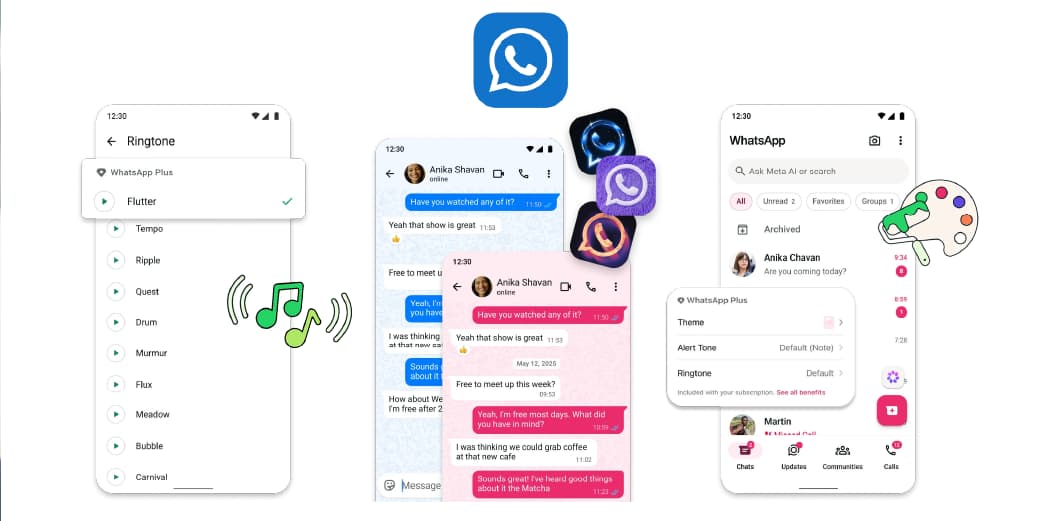
WhatsApp Plus is official: what KSh 119 gets Kenyan users and what stays free
WhatsApp Plus is Meta's optional paid tier for personal WhatsApp Messenger. Kenyan users have seen pricing around KSh 119 a month, with extra chat pins, themes, icons, ringtones and stickers while core messaging remains free.
 MAMBO Take
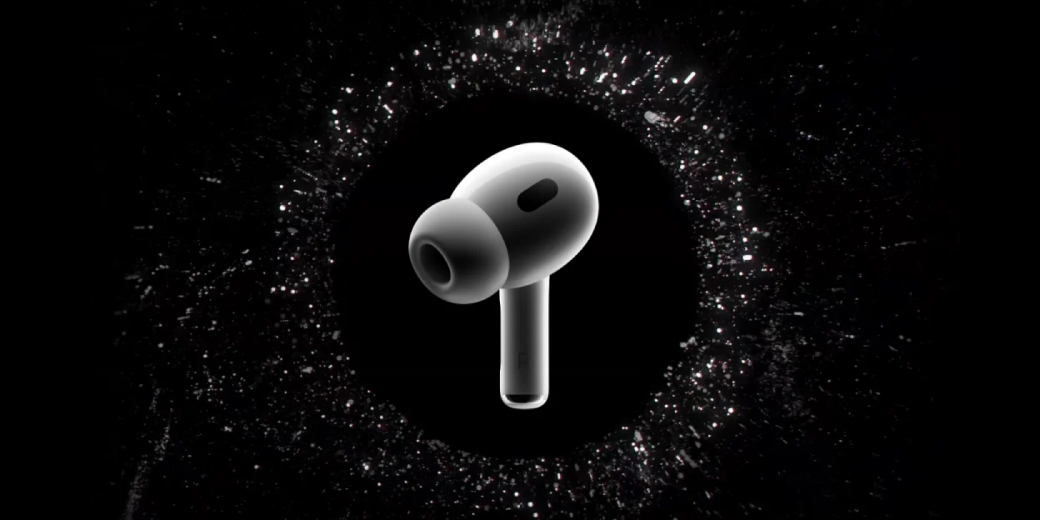
Apple's camera-equipped AirPods just leaked, and the privacy question is bigger than the hardware
A leaked Apple video inside macOS Tahoe 26.7 shows camera-equipped AirPods using Visual Intelligence. Here is what appears real and what remains unconfirmed.
 MAMBO Explains
WhatsApp's Scam Alert checks suspicious messages without sending them to Meta
WhatsApp is testing a private scam-detection layer that runs locally on the phone, warning users about suspicious messages from unknown numbers without uploading those chats for classification.