

Copilot can now tell you why your PC is slow
The feature is exactly the kind of translation layer Windows has needed. Independent testing just found the tool doing the diagnosing is itself one of the hungrier things on your machine.
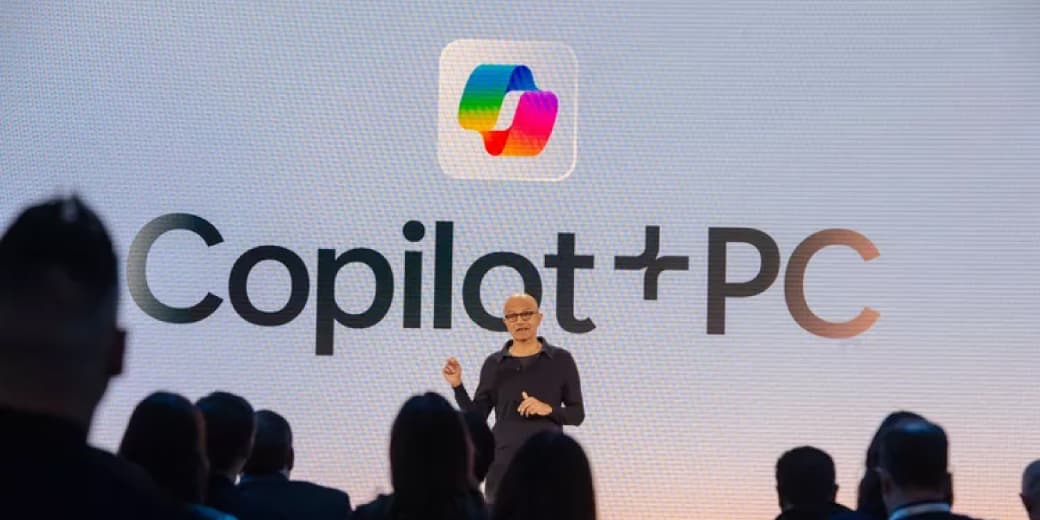
Microsoft is testing a Copilot feature called PC Insights that lets you ask your computer, in plain English, why it is misbehaving. Instead of opening Task Manager and interpreting a wall of numbers, you can ask questions like why is my laptop running slow or do I have enough to install a 100GB game.
With permission, the feature reads hardware signals: processor and load, storage space, battery health, and what is plugged into your USB ports. It is opt-in, lives inside the Copilot app, and is rolling out gradually to a limited subset of users.
Why this is useful
Windows has always been bad at explaining itself. Task Manager tells you a process is using 87 percent of your CPU. It does not tell you whether that matters, whether the app is broken, or what you should do next. Event Viewer is even less friendly. A tool that translates your disk is at 99 percent because a background indexer is running into a clear sentence is exactly the kind of translation layer ordinary users need.
Microsoft has also drawn useful boundaries. PC Insights is not pitched as an enterprise diagnostic tool or a replacement for Event Viewer. It is aimed at consumer-style questions. Microsoft says it does not access work email, Teams chats, calendars, or Microsoft 365 documents. Conversation activity may still be used for product improvement depending on settings, so the privacy screen is worth reading before switching it on.
The irony worth naming
Independent testing by Windows Latest found the Copilot app consuming roughly 800MB to 1GB of memory while idle on a machine with 32GB of RAM. The tool built to tell you what is eating your resources can itself be one of the heavier things running.
The reason is architectural. Copilot is built on WebView2, which runs a stripped-down Edge browser in the background. That is why the process may show up in Task Manager as Browser. This is not a fatal flaw, but it matters because the feature's entire selling point is performance diagnostics.
The Kenyan reality
On a 32GB workstation, a gigabyte of idle RAM is a shrug. On the machines many people actually own here, 8GB business laptops, entry-level student notebooks, and older family PCs, that is an eighth of the whole memory budget.
That creates a real tension. The person most likely to need a plain-English explanation for a slow laptop is also the person least able to spare the memory cost of the explainer. Microsoft should make this feature light enough to help older hardware, not only premium machines.
Should you care?
Yes, if it reaches you, but treat it as a first-pass explainer, not a technician. It can tell you storage is nearly full, memory is under pressure, or battery health has dropped. It will not diagnose every failing drive, obscure driver conflict, or problem. The best diagnostic tool is still the one that helps without needing to run all the time.
FAQ
What is Copilot PC Insights?
It is an opt-in Copilot feature that answers plain-English questions about your PC's health using hardware signals like CPU load, memory, storage, battery health, and connected USB devices.
Is PC Insights available everywhere?
No. It is rolling out gradually and may be limited by region and account eligibility.
Does PC Insights read my work files?
Microsoft says it does not access work email, Teams chats, calendars, or Microsoft 365 documents.
How much memory does Copilot use?
Independent testing reported roughly 800MB to 1GB while idle, though this can vary by device and version.
Sources
Plain-English diagnostics are a good idea. They just need to be light enough for the people who need them most.
Ask MAMBO
Have a plain-English question about this topic? Send it in and we may answer it in a future guide.
Ask a questionRelated reading
 MAMBO Explains
iPhone and Windows may finally share a clipboard, because the EU forced the conversation
The feature would bring Universal Clipboard-style sharing to Windows, but privacy and background synchronisation make the project more complex than it sounds.
 Business
NVIDIA's RTX Spark wants to reinvent the Windows PC
NVIDIA's RTX Spark platform is a direct challenge to Intel and AMD in Windows PCs, built around local AI, Arm, Blackwell graphics, and huge shared memory.
 Should you care?
Microsoft just patched a record 570 flaws. Update now
Microsoft's July 2026 Patch Tuesday fixed a record 570 flaws, including two already being used in attacks. The boring advice is now urgent: update quickly.